

Annual
Best valueFor a year of flying.
$59.99 / year
Save 80%vs. Weekly
About $5.00 a month
Renews annually
View plan in app
Raylie
Discover the sights along your route. Raylie shows you when to look and which window has the view.
 For iPhone and iPad.

App Store Awards 2026
FinalistiPhone App of the Year
Great Apps on
iPhone DuoApp Store
Editors’ ChoiceApp Store

What you can do with Raylie
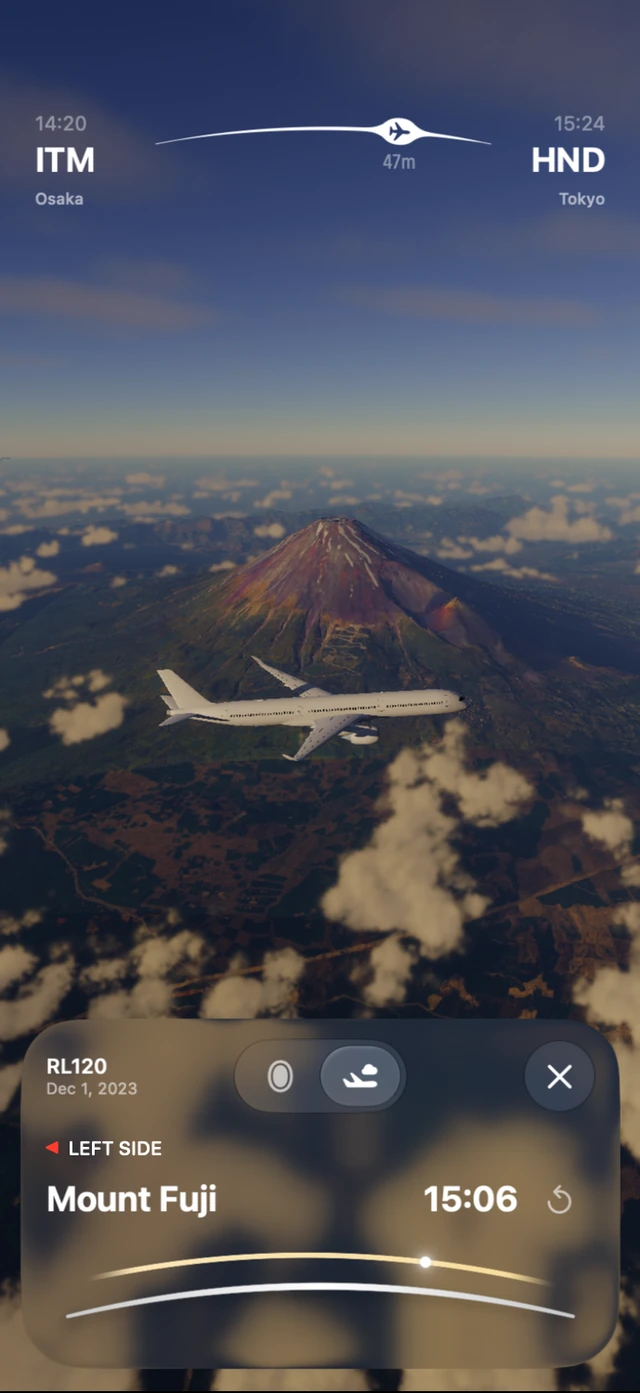
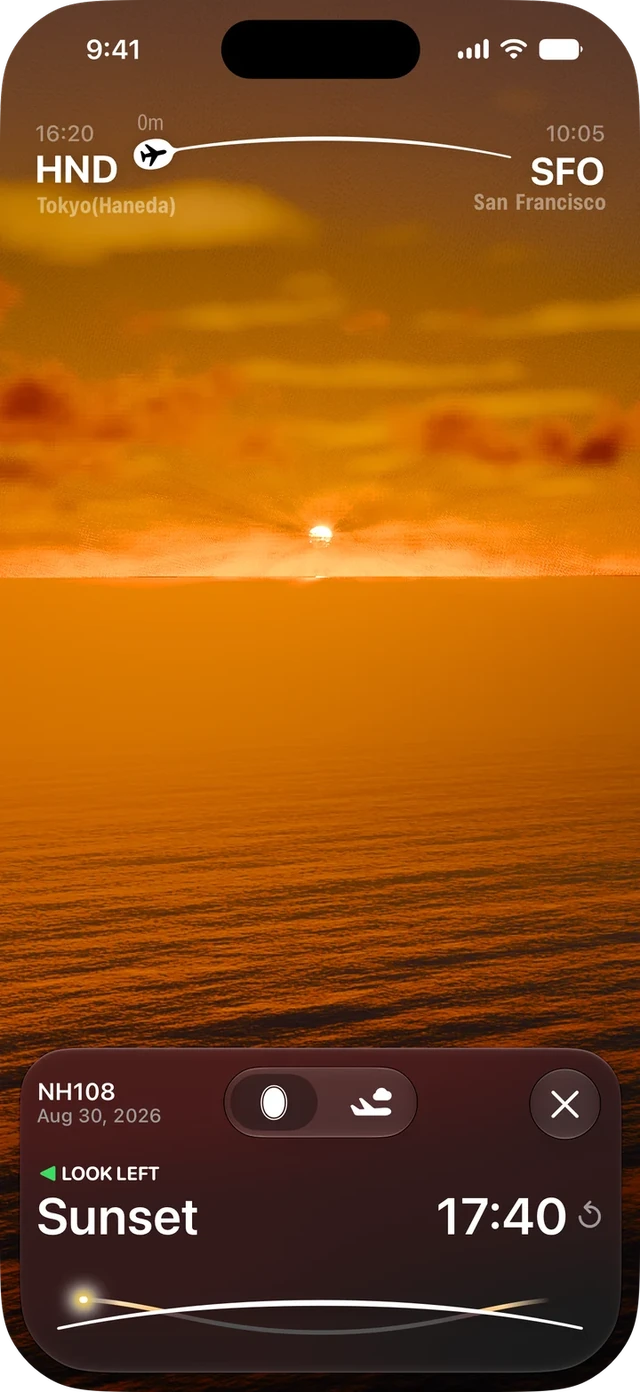
Spot a mountain peak or catch the sunset above the clouds.
Sights
See when each sight comes into view and whether to look left or right.
Live Activities
A Live Activity shows how soon the next sight will appear and whether to look left or right.
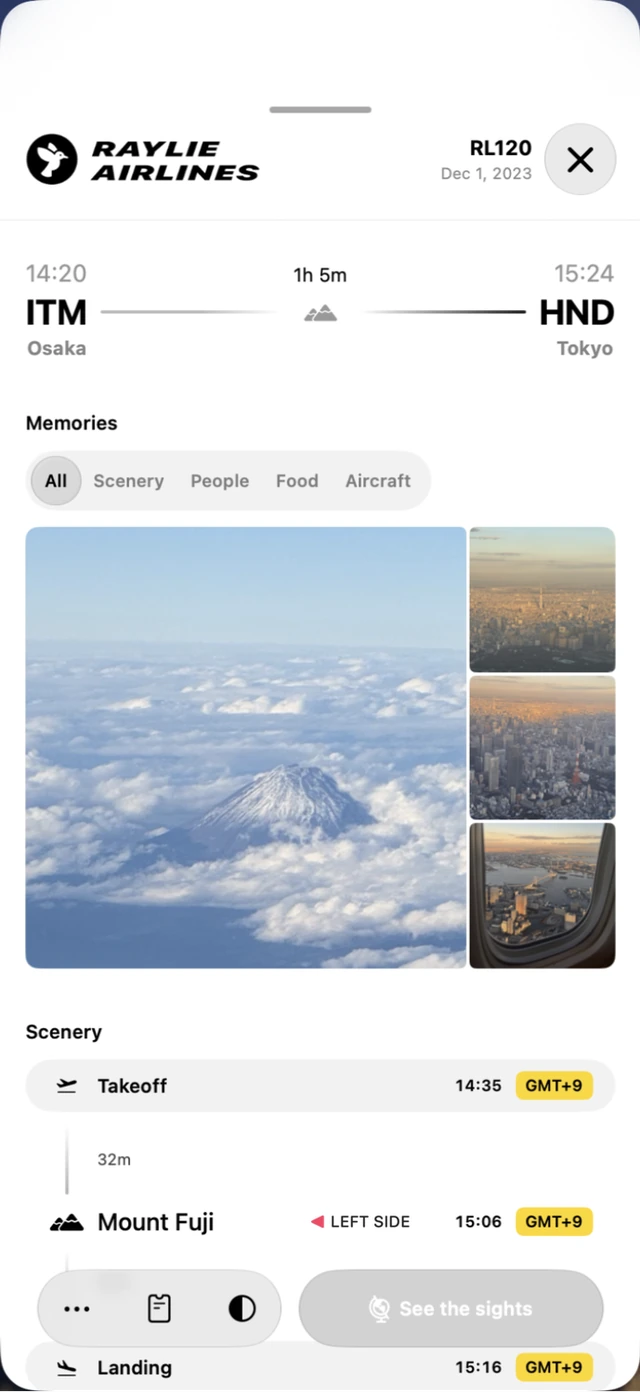
Journey
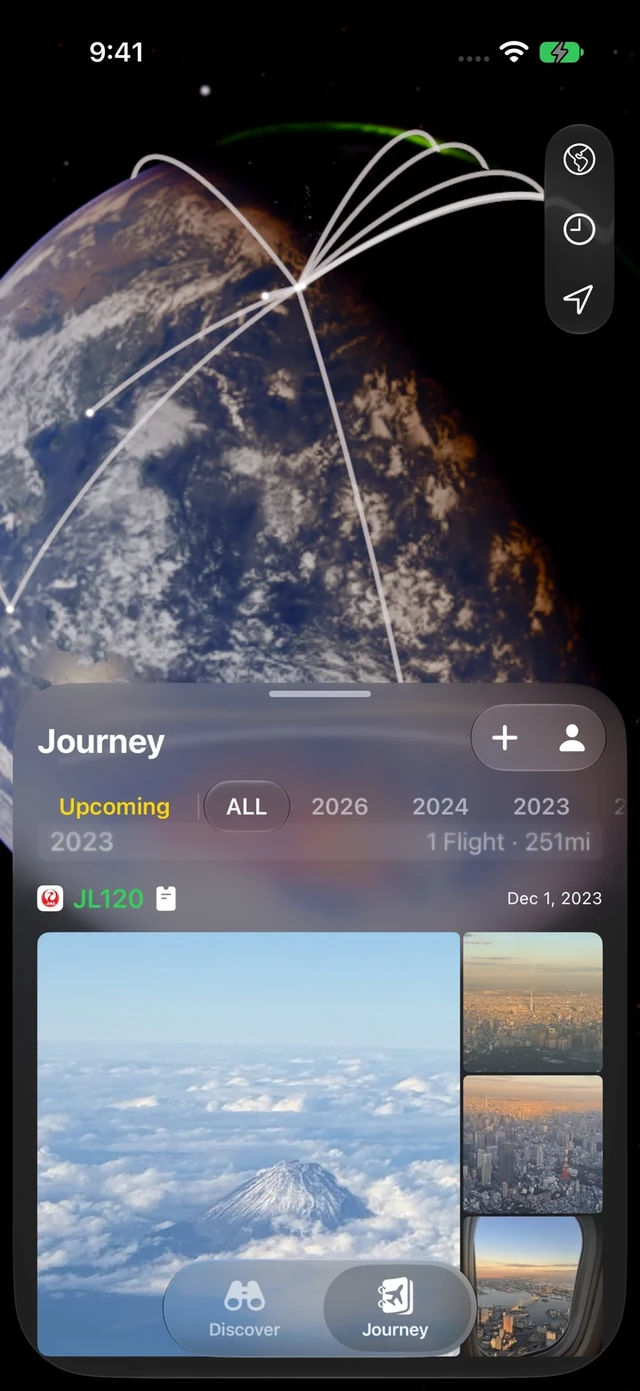
Keep the photos you took from your window with the flight they came from. Follow the route to see them again.


















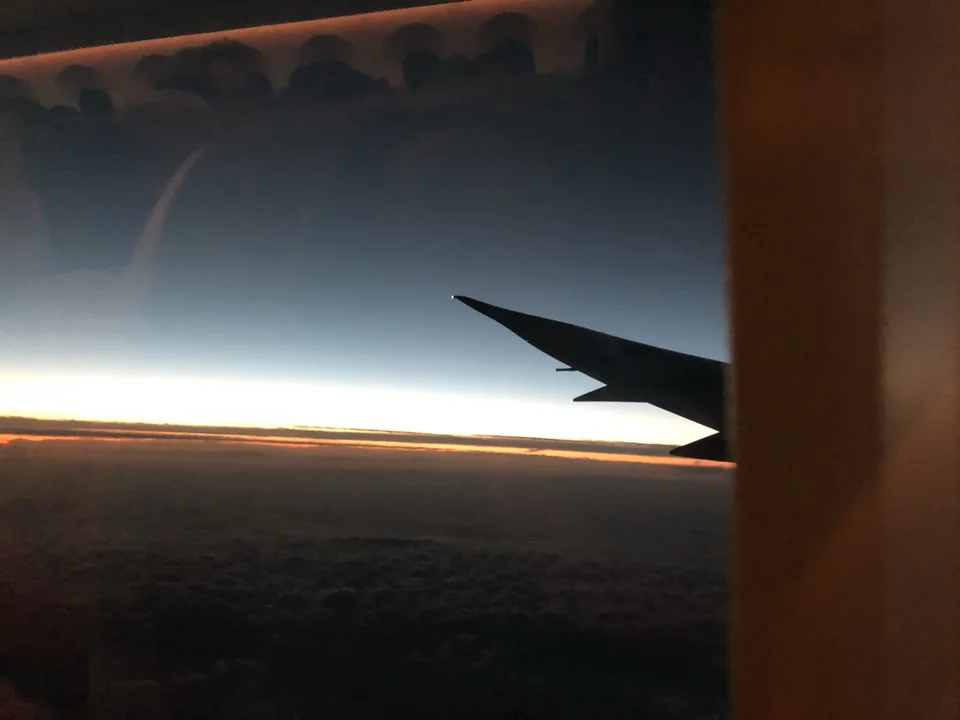








Flight log
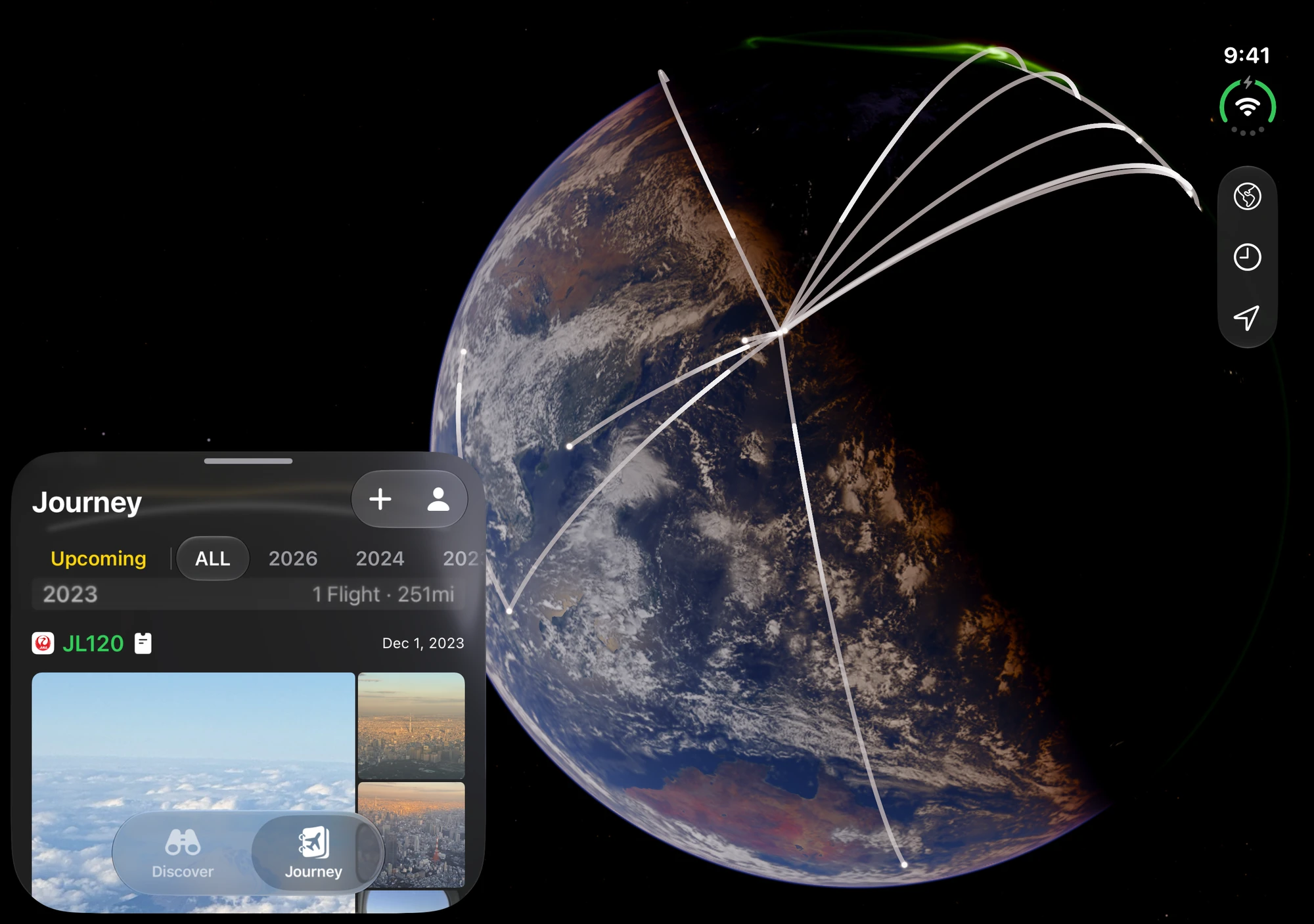
From a single flight to years of travel, see your memories come together on a globe.
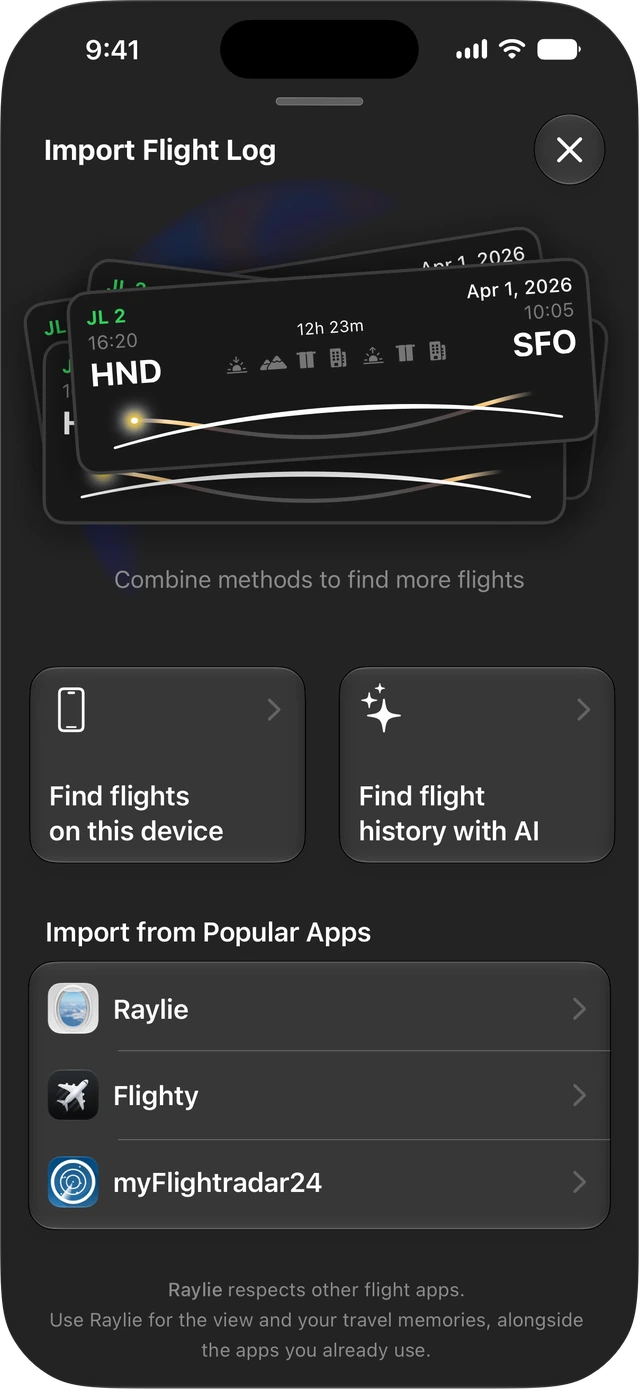
Flight import
Review the flights Raylie finds and add them all at once.
Use Raylie’s prompt to ask ChatGPT, Claude or Gemini to find past flights in emails and booking confirmations you’ve shared with it.
Choose a date range and let Raylie look for flights in the calendars and photos you allow it to access on your iPhone.
Bring over the flights you’ve logged in Flighty or myFlightradar24 by importing a CSV file exported from the app.
Scan a paper boarding pass or share one from Apple Wallet to keep it with your flight. You can also add flights from photos, screenshots and PDF itineraries.
Viewing flights from a year ago or earlier requires Raylie Elite.

Every plan includes all Elite features. Choose the one that fits your travels.
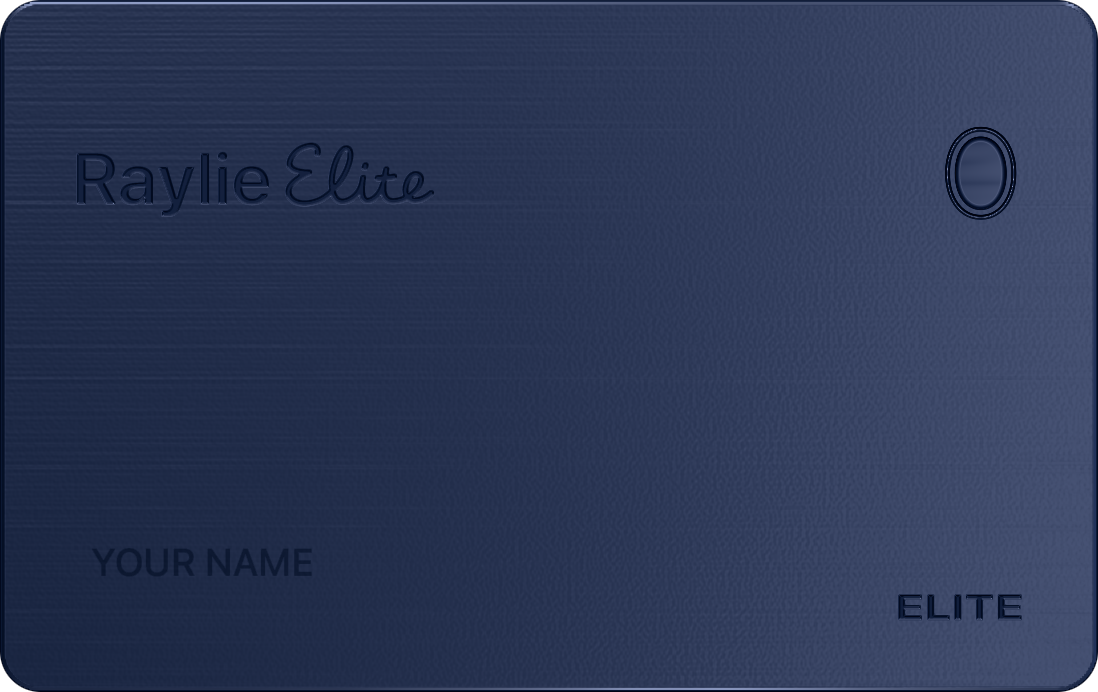
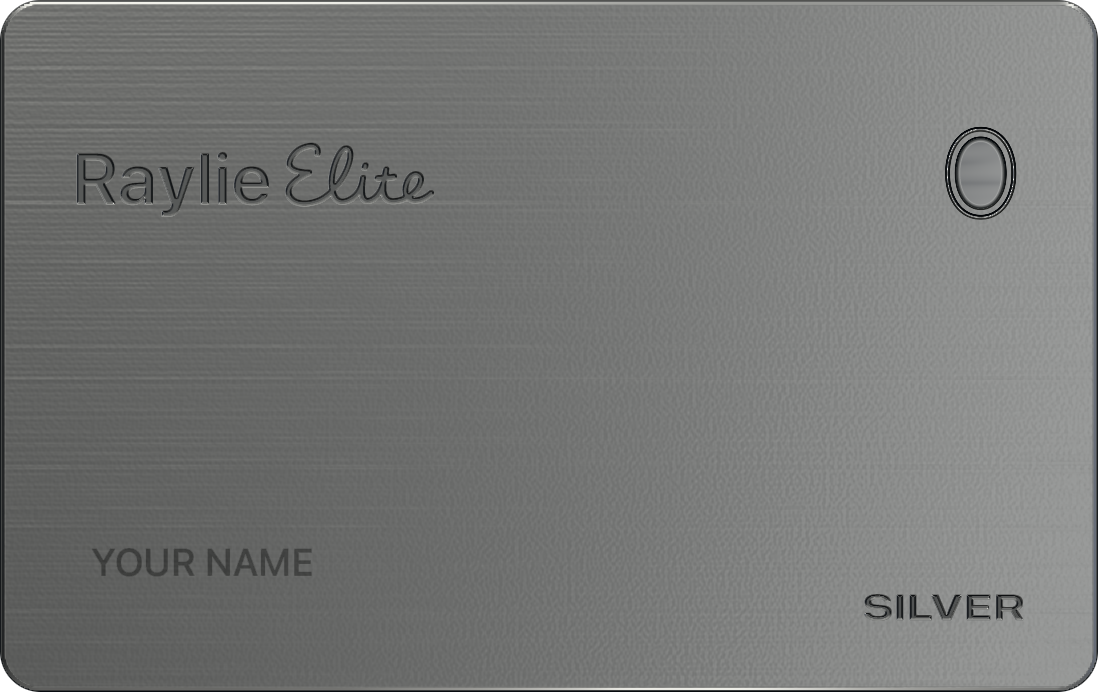
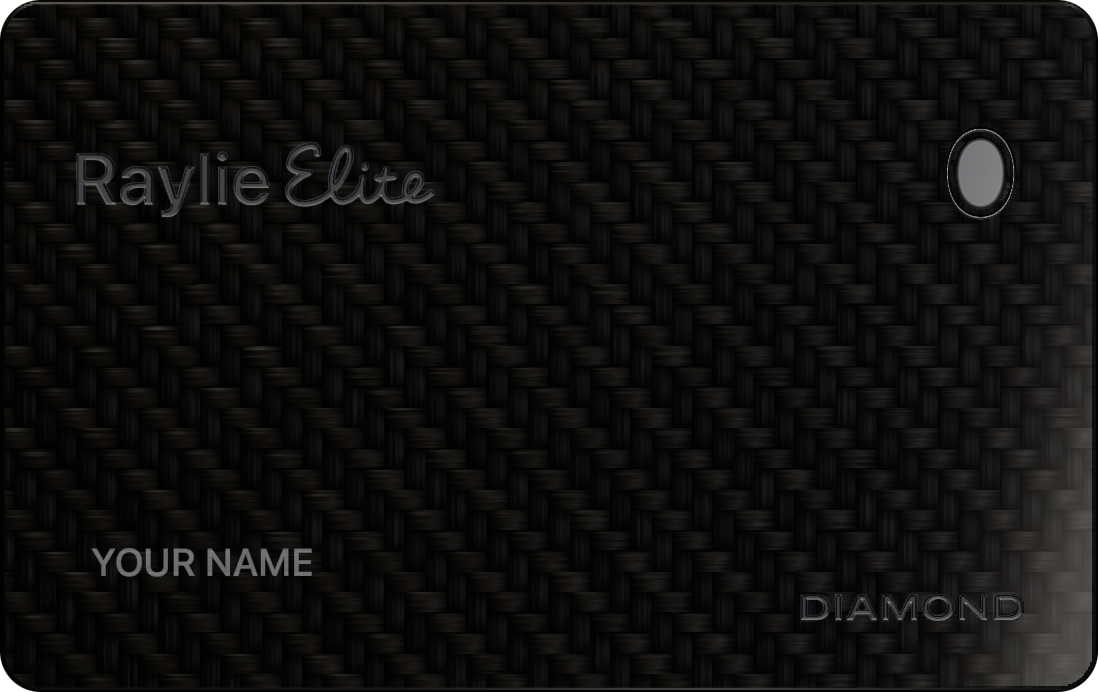
Your card reflects your plan and how long you’ve been a member. All status levels include all features.
When you join Raylie Elite.
For a year of flying.
$59.99 / year
Save 80%vs. Weekly
About $5.00 a month
Renews annually
View plan in appFor a single trip.
$5.99 / week
Renews weekly
View plan in appFor all the flights ahead.
$300.00 once
One-time purchase
View plan in appPrices are in U.S. dollars and reflect the U.S. App Store. Check the app for pricing and purchase terms in your region.
Annual and Weekly renew automatically. Lifetime is a one-time purchase.
Annual savings are based on 52 weeks of Weekly. The monthly equivalent is the annual price divided by 12.
iPhone Duo
See your route and the photos you took along the way, together on a bigger screen.
We’re a small team in Japan making Raylie. If you catch a great view from your window, we’d love to see it.

Director, Design, Engineering

Backend Engineering, Infrastructure, Product Quality

Operations

Sales and GenZ marketing

Technical Advisory
Raylie helps you enjoy the view from your window seat. Add a flight to see what’s along your route and when to look out. After landing, revisit your flight and the photos you took along the way.
Yes. Download Raylie for free and add up to two upcoming flights. Raylie Elite lets you view flights from a year ago or earlier and explore photorealistic 3D terrain.
Yes. Import flights using AI, calendars and photos on your iPhone, CSV files from other apps, or boarding passes. Review the results and choose which flights to add. Viewing flights from a year ago or earlier requires Raylie Elite.
Choose ChatGPT, Claude or Gemini on Raylie’s import screen and send the prompt Raylie prepares. Your assistant looks for flights in emails or documents it can access. Open the results in Raylie to review and add your flights.
An experimental Siri AI option is also available on supported OS versions.
Download Raylie from the App Store and add your next flight. You’ll see when each sight is coming up and whether to look left or right.
The press kit includes images of the app and materials you can use to introduce Raylie.

Get Raylie for iPhone and iPad.